It zooms where you click
Siny records every click and cursor move alongside the video, then eases the camera in on the action. Drag the frame to aim it, or switch any zoom off.
Auto from clicksManual zoomsScale up to 3×
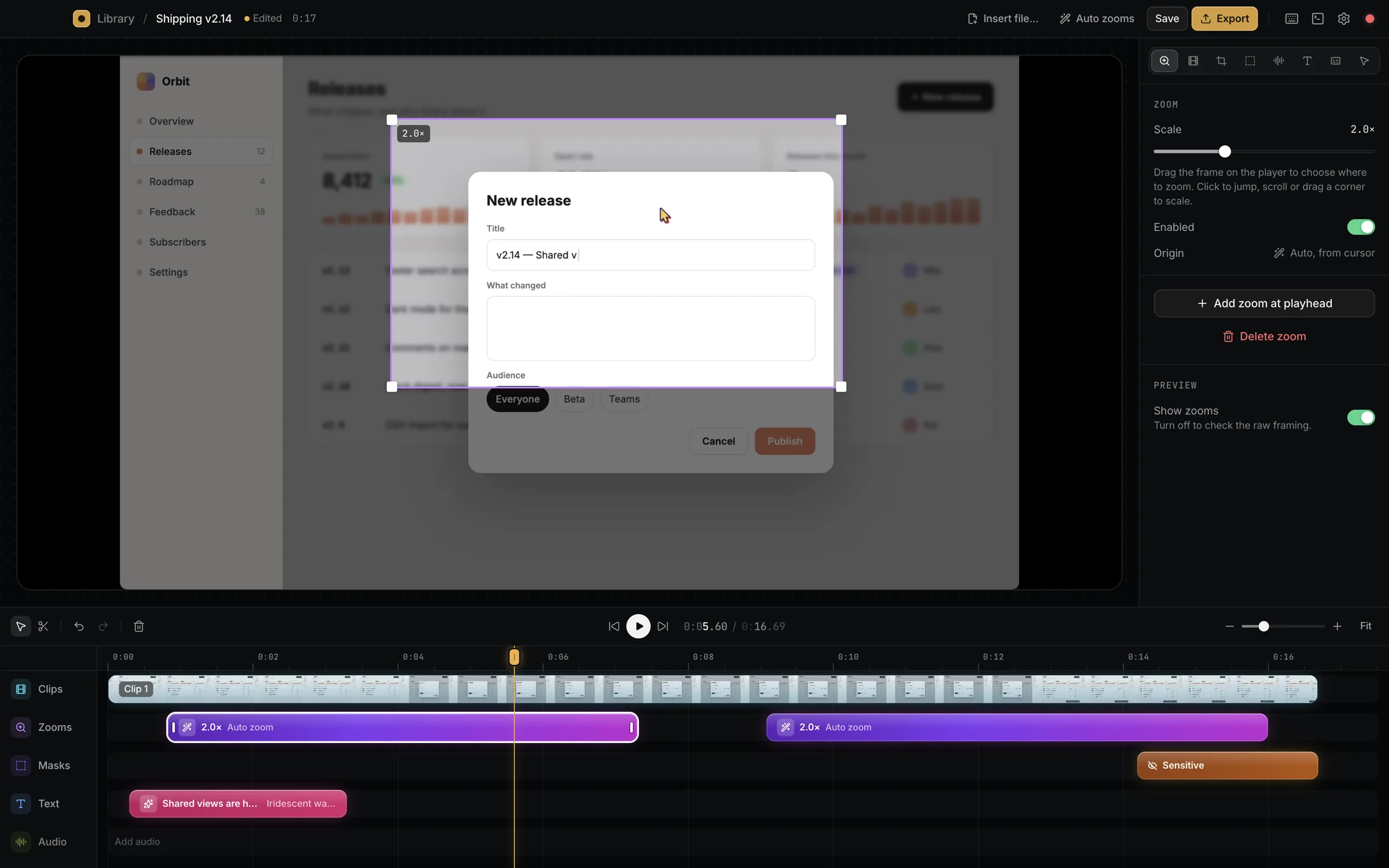
Siny is a screen recorder for Mac. It zooms in where you click, smooths out the cursor and puts titles, masks and voiceover on a timeline you already know how to use.
macOS 14 or later · Start a capture from anywhere with ⌘⇧2
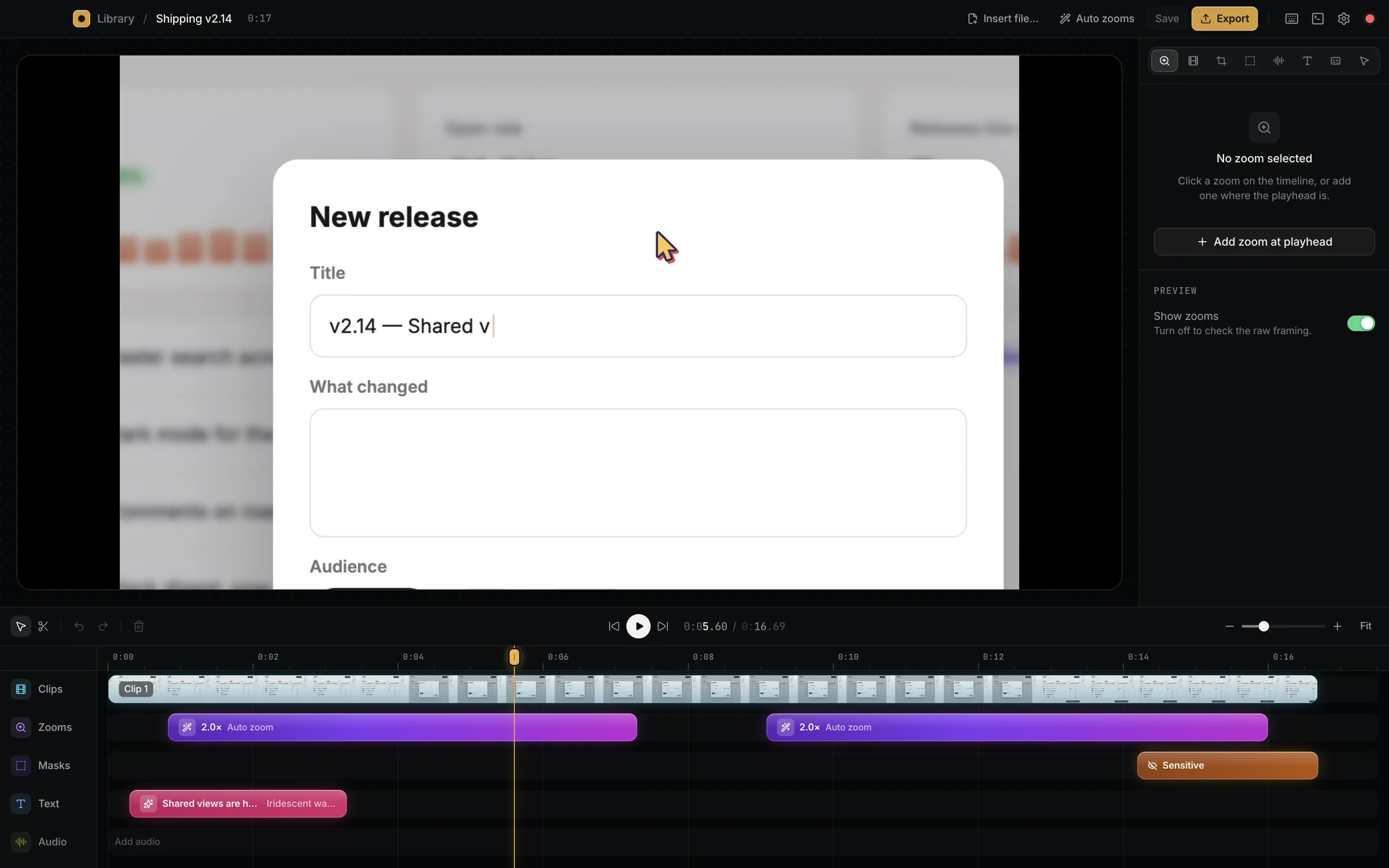

Actual screenshots. Nothing on this page is mocked up.
One take of a release flow, edited in Siny in a couple of minutes. Drag the line.
Siny records every click and cursor move alongside the video, then eases the camera in on the action. Drag the frame to aim it, or switch any zoom off.
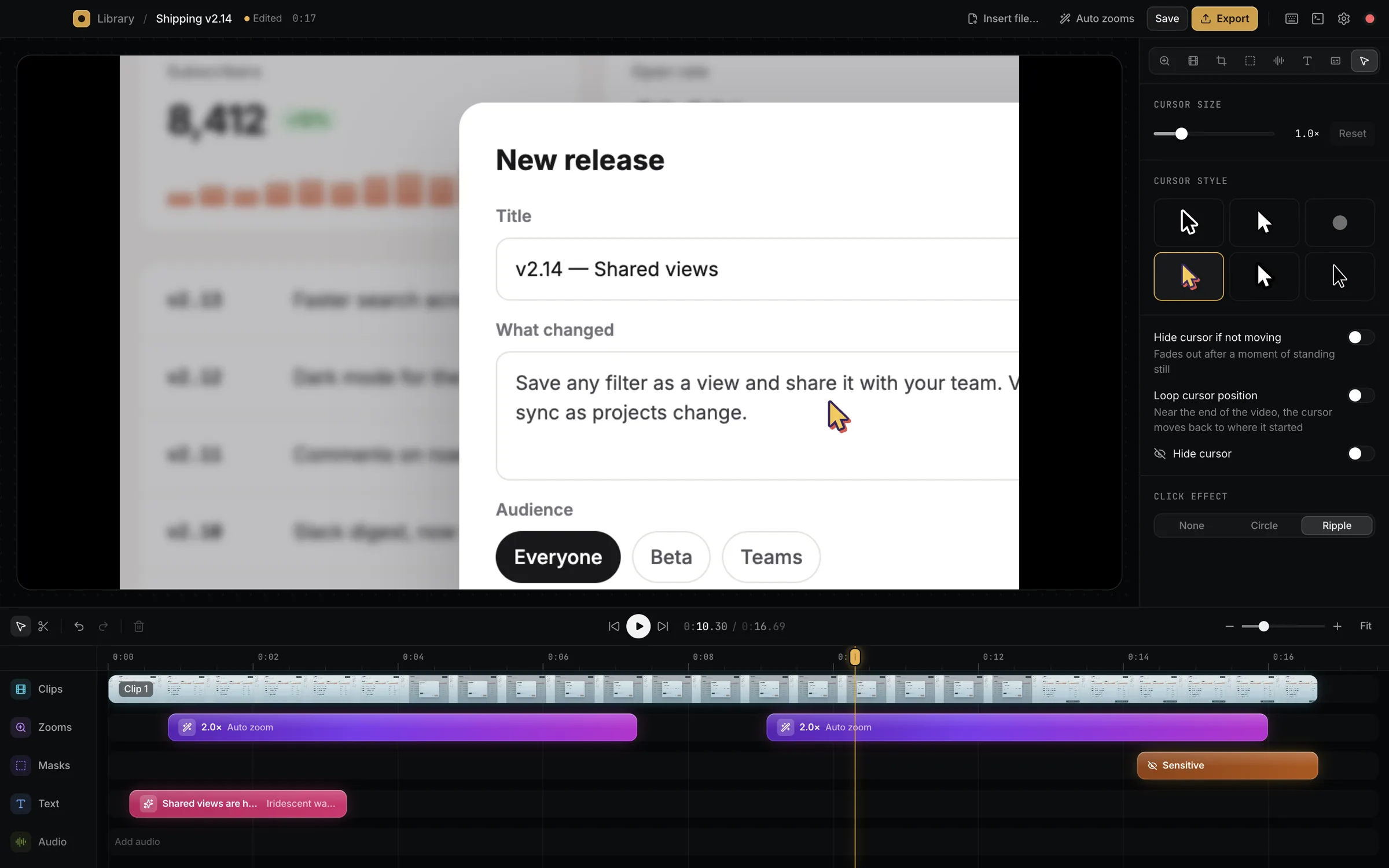
Pick from six styles, make it bigger, add a circle or a ripple on each click. The shaky real-world path comes out smooth.
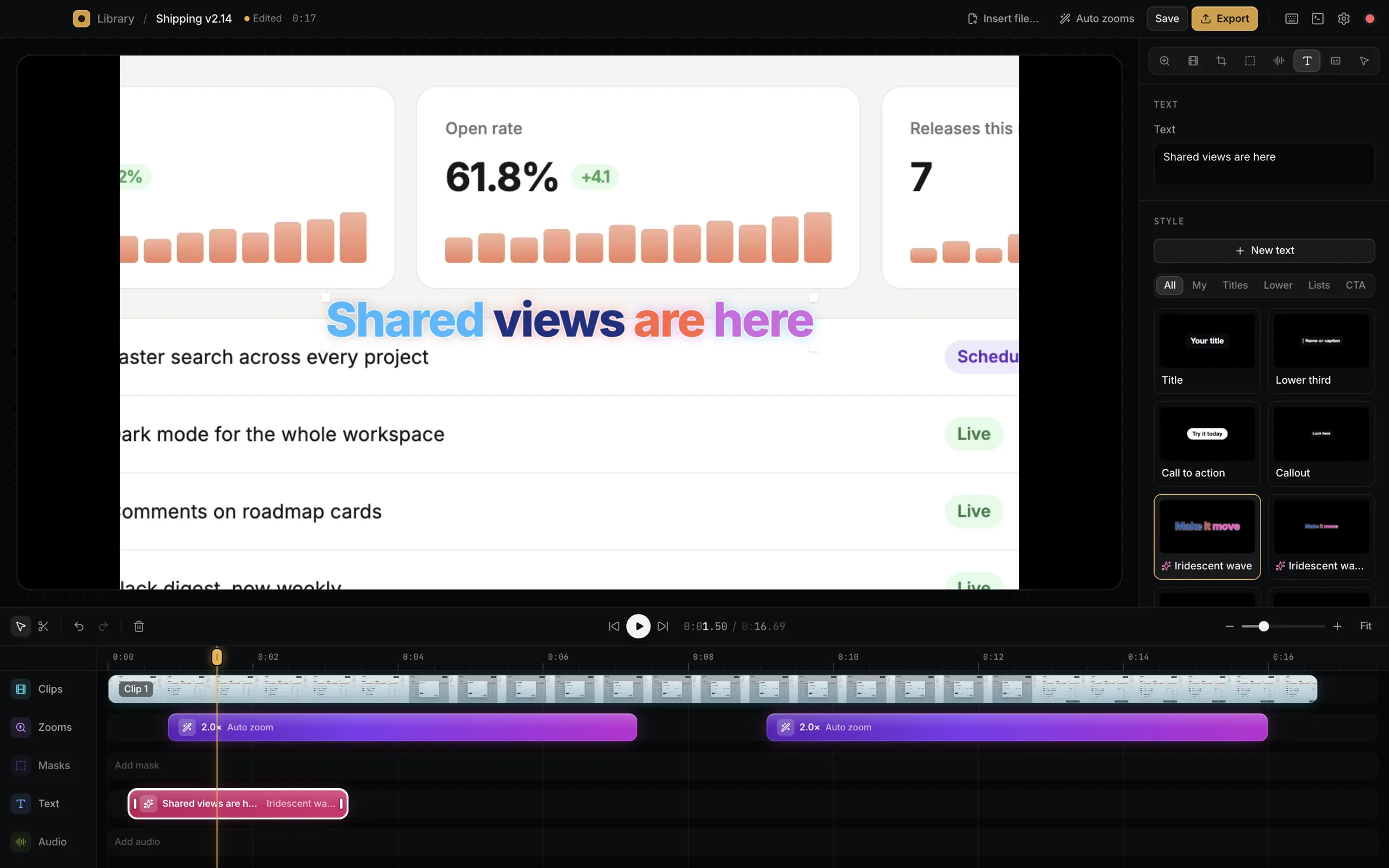
Type a line, tap a style. Word wave, line roll, blur stagger, lower thirds and calls to action land at the playhead, already animated.
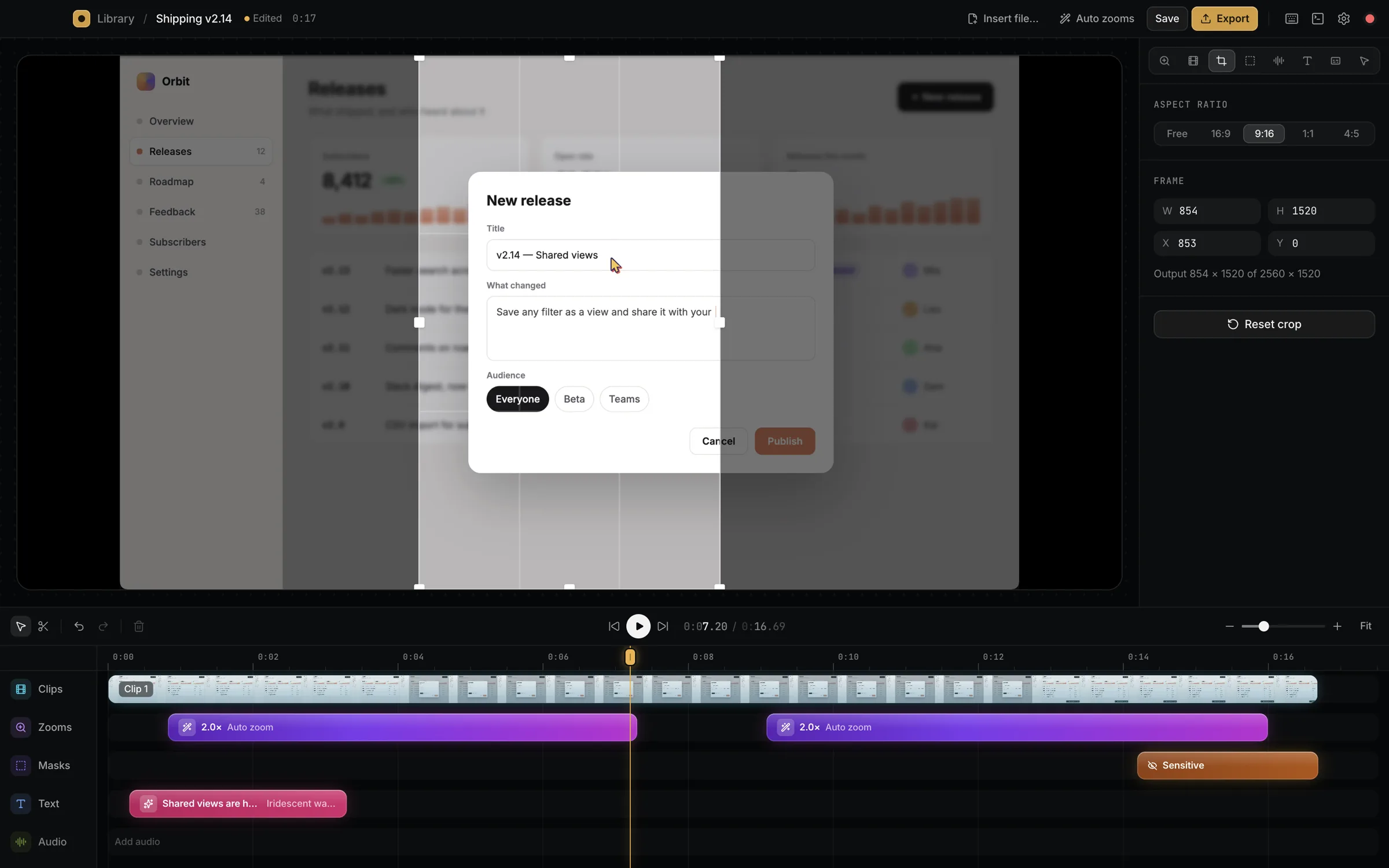
Blur, pixelate or black out API keys, emails and revenue. Or flip it around and dim everything except the button you're talking about.
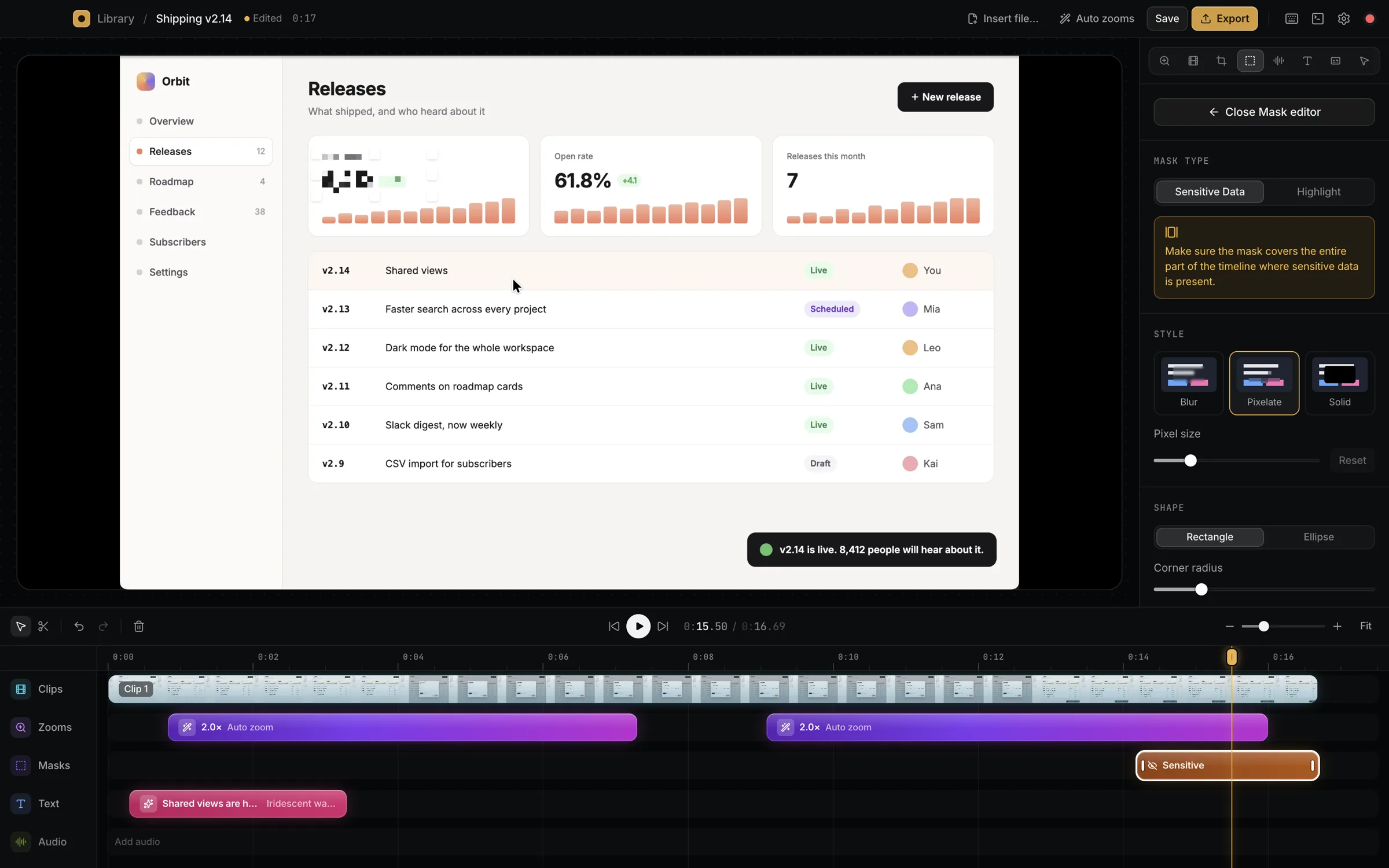
Talk while you record and get captions with word-level timing. Rather not talk? Write the script and pick a voice.
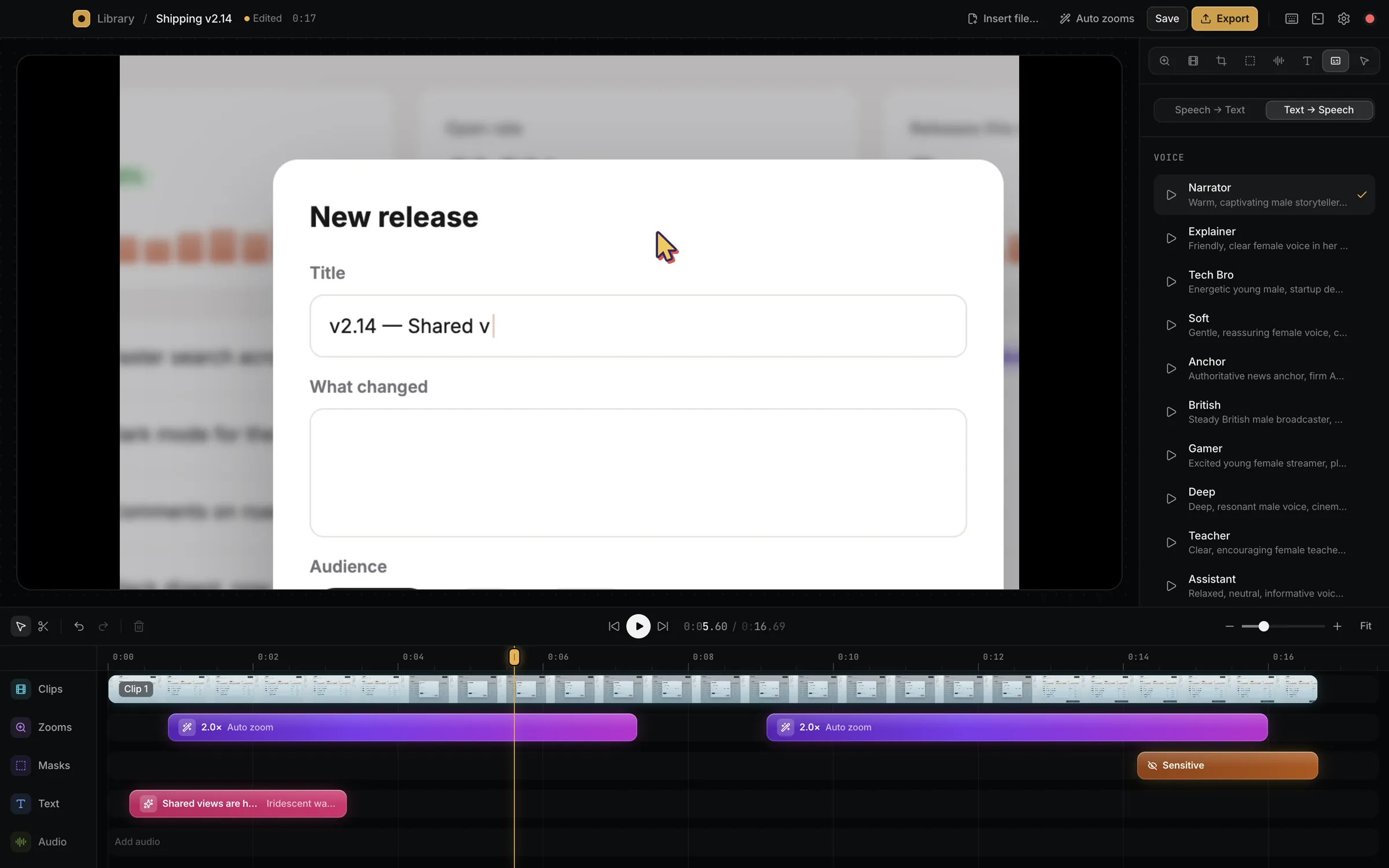
Reframe one recording for every feed: 16:9 for the site, 9:16 for Reels and Shorts, 1:1 or 4:5 for the timeline.
Siny ships with a terminal and an MCP server. Connect Claude Code in one click and ask for changes in plain words. The editor updates live while you watch.
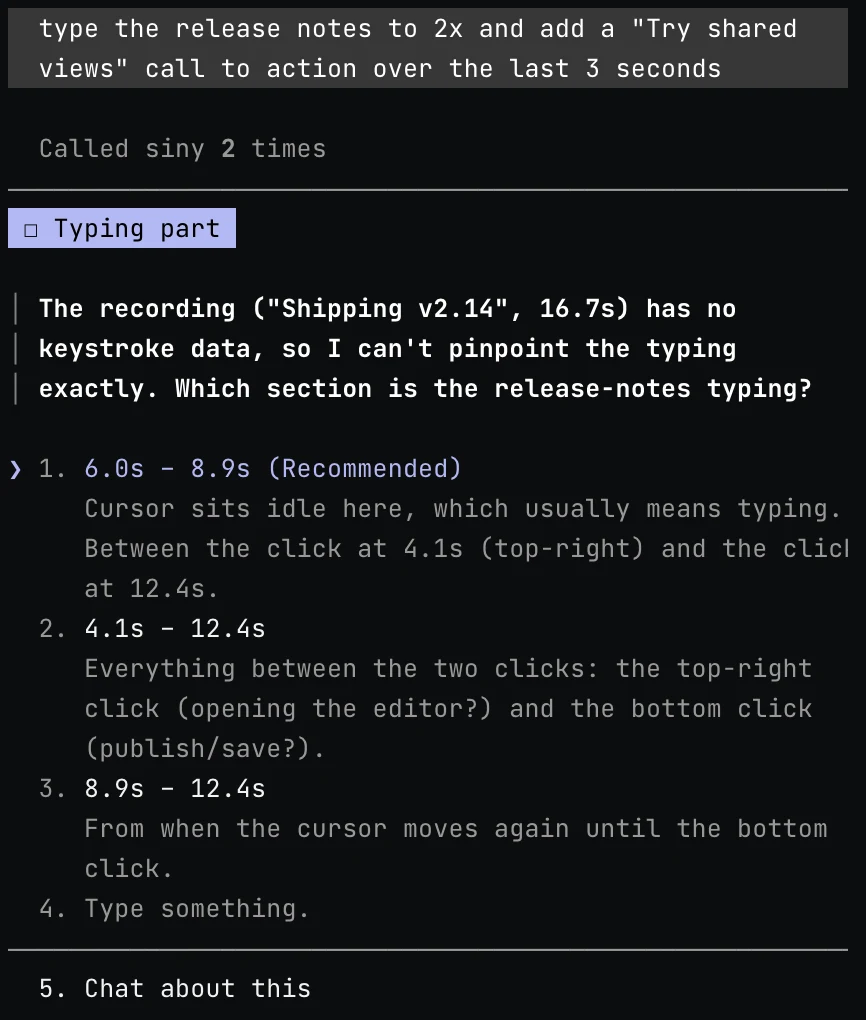
A real session from making this page. Claude found the two clicks and asked before touching anything.
Rendered on your Mac, no upload and no watermark. The 17-second clip above took about five seconds.
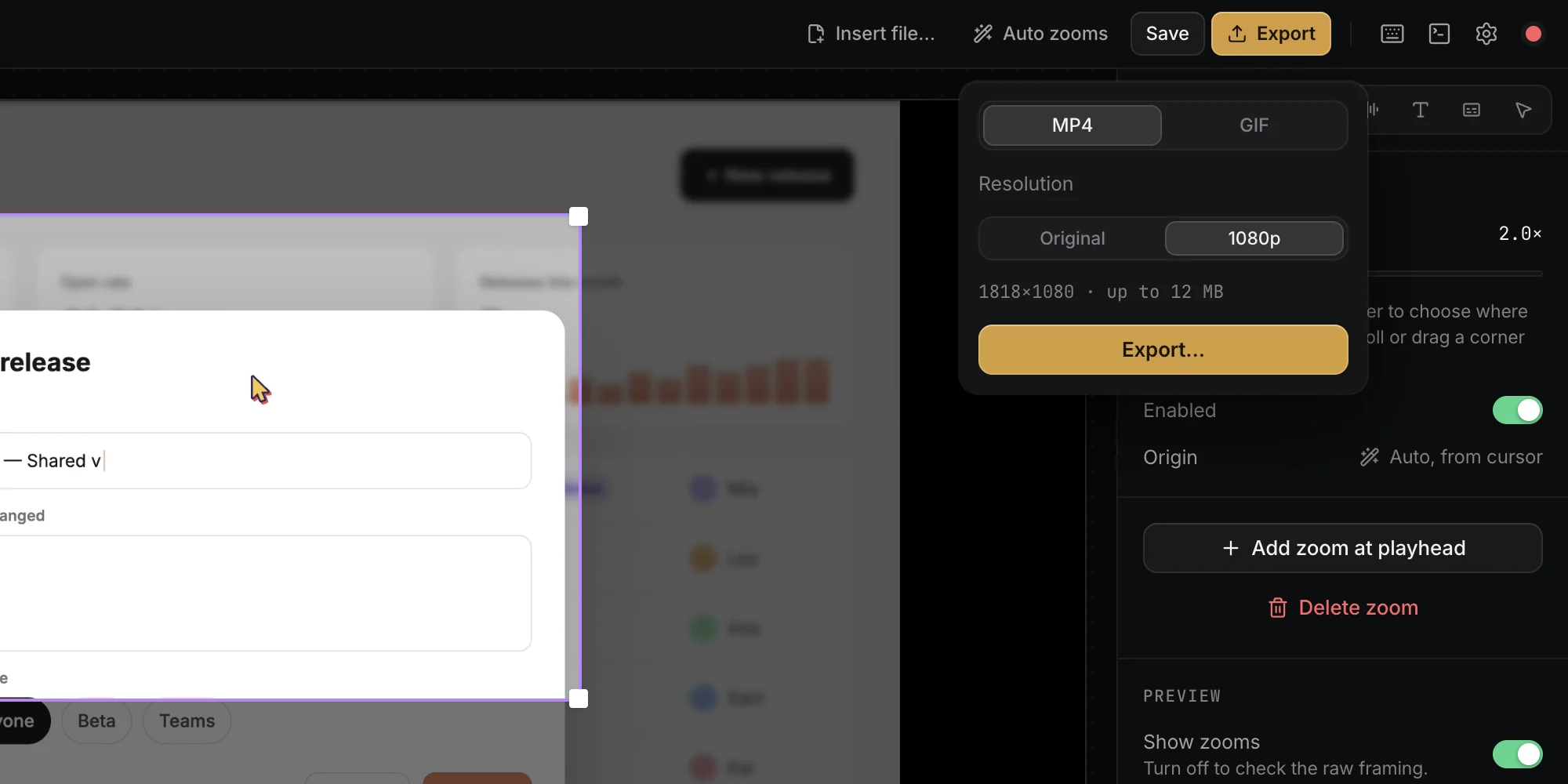
Sharp and light for any feed. Need every Retina pixel? Export at original size.
For READMEs, docs and changelogs. Siny warns you before a GIF gets too heavy.
16:9, 9:16, 1:1 and 4:5 from the same recording, titles and masks included.
Any Mac on macOS 14 or newer. There are separate builds for Apple Silicon and Intel, so grab the one that matches yours.
Screen Recording is how macOS lets any app capture the screen. Accessibility lets Siny see your clicks, which is what drives the automatic zoom. Without it you still get the video and the cursor, just no click zooms.
No. Everything works by hand in the editor. Claude is there for when you'd rather describe the edit than do it.
On your Mac, in a folder you choose in Settings. Captions and voiceover go through your Siny account; the recordings themselves stay local.
Download Siny, press ⌘⇧2, and show people what you built.